 Aqua
AquaAqua Browser for Windows
A browser with a master password
Most browsers open straight into your accounts for anyone who uses your computer. Aqua locks the whole browser behind a master password and keeps what it saves encrypted.
Version 1.1.064-bitPortable versionWhat's new
What other browsers offer
- Chrome and Edge
- There's no built-in way to lock the browser. Anyone signed in to your Windows account opens it already logged in to your sites.
- Firefox
- Its Primary Password protects saved logins only. History, bookmarks, cookies and open tabs stay readable without it.
- Lock extensions
- They put a password over the browser window, but the browser's files on disk stay as readable as before.
- Aqua
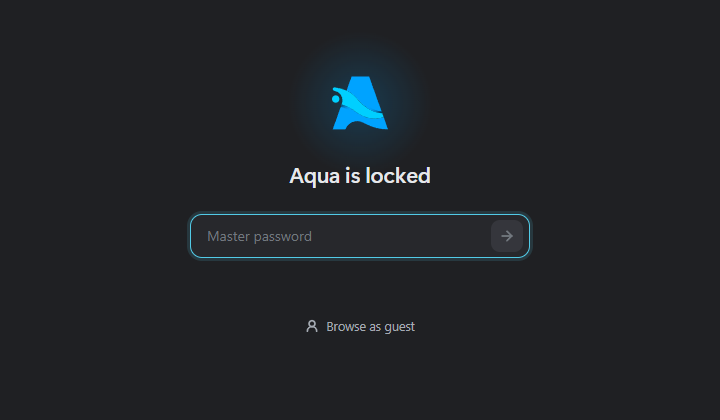
- The whole browser locks: history, bookmarks, signed-in sites and open tabs. What it saves is encrypted with a key only your master password unlocks.
How it works in Aqua
- 1
Choose a master password
The first time you open Aqua, you pick a password of at least 8 characters. It's the only key and there's no recovery, so pick one you'll remember.
- 2
Aqua locks on its own
After 15 minutes idle by default, when you lock Windows or put your PC to sleep, or right away with Ctrl+Shift+L. Change the timer in Settings → Vault & security.
- 3
Everything it saves stays encrypted
History, bookmarks, cookies and open tabs are encrypted with AES-256-GCM before they reach the disk. The key comes from your password through Argon2id.
Sharing a computer?
Give each person their own profile with its own master password. A visitor can use a guest window, which needs no password and keeps nothing once it's closed.
A master password protects what Aqua saves. It doesn't stop malware that's already running on your PC from reading what's open, or a keylogger from capturing what you type. Technical details
Lock your browsing
Version 1.1.064-bitPortable versionWhat's new