 Aqua
AquaFree, open-source browser with a master password
Your browsing, locked behind your password.
Aqua keeps your history, bookmarks and signed‑in sites encrypted. Anyone else who opens it on your computer just sees a lock screen.
Version 1.1.264-bitPortable versionWhat's new
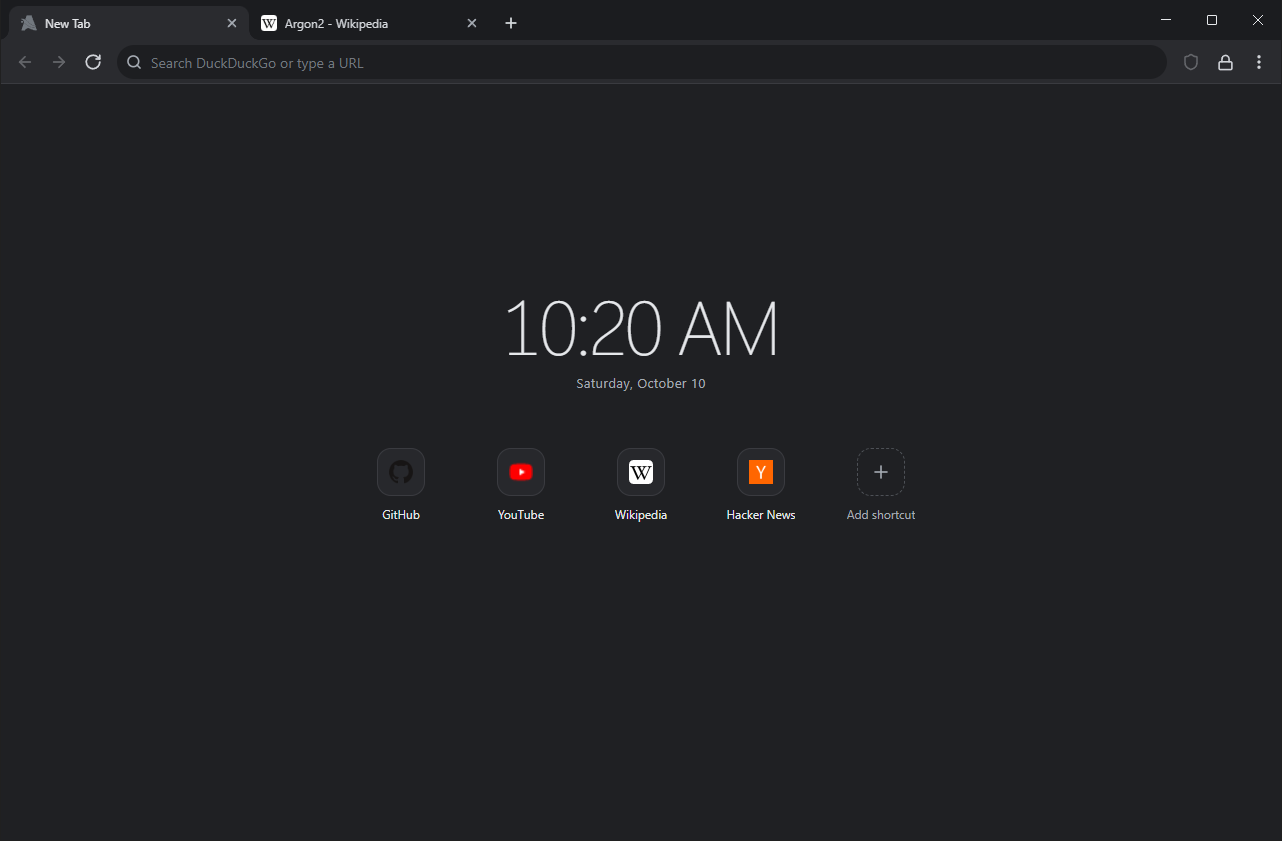
Locked when you're not around
Aqua asks for your master password when it opens, and locks again when you step away, lock Windows or put your PC to sleep. Without the password, its saved data can't be read, even by someone signed in to the same Windows account.
How this compares with other browsers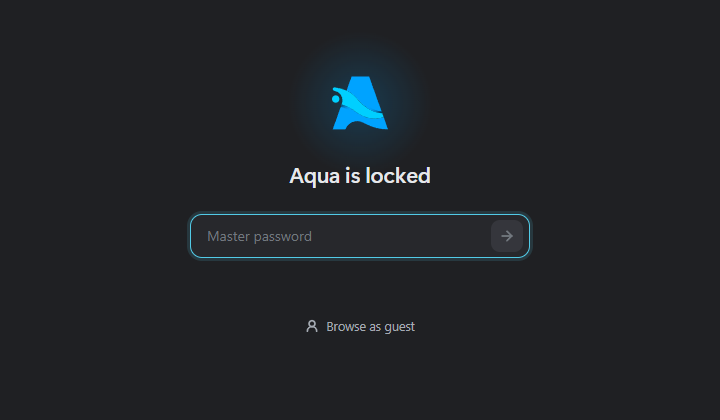
Nothing readable left on the disk
Websites run in memory. The few things Aqua keeps, like your cookies and history, are encrypted before they're saved. Someone who copies your browser folder gets scrambled data instead of your accounts.
A typical browser folder
Aqua's folder
And the everyday things
Ads and trackers blocked
Built in, using uBlock Origin's filter lists. Pause it for a site with one click.
Profiles and guest windows
Each profile has its own password. Guest windows need none and keep nothing.
Hidden from screen sharing
Turn it on and screenshots, recordings and Discord or Teams screen sharing show nothing where Aqua is.
No telemetry
Aqua doesn't report what you do. On its own it only checks for updates, refreshes its filter lists and loads site icons.
For the curious
How is my data encrypted?
Everything Aqua saves goes into one file, aqua.db. Each record is sealed with AES-256-GCM under a random key, and that key is unlocked only by your master password through Argon2id (128 MiB, memory-hard). The key is only ever stored encrypted, and locking Aqua wipes it from memory.
What does Aqua send over the internet?
Besides the pages you open: an update check with GitHub (installed copies), a filter list refresh every four days, the icons of sites on your New Tab page, bookmarks bar and History, and a New Tab picture's address once if you set one. No analytics, crash reports or search suggestions.
What doesn't Aqua protect against?
- Malware running while Aqua is open can read its memory, as with any browser.
- A keylogger can capture your master password.
- A weak password can be guessed from a copied vault.
- If you forget your password, there is no way to recover the data.
Why does Windows warn me when I install it?
Aqua isn't code-signed yet, so SmartScreen shows "Windows protected your PC". Choose More info, then Run anyway. Updates are checked against the release's SHA-512 before they install.
Is it free?
Yes. Aqua is free and open source under GPL-3.0, and the code is on GitHub.